
Your EDI data is a strategic asset. We turn it into reports.
Scheduled Excel reports, delivered by email, built from your live EDI and ERP data together — so the answers arrive before the questions get asked.
- Scheduled, email-delivered Excel
- EDI and ERP cross-referenced
- Per-company, per-location
Operational reports
Six reports that run your EDI day to day
Each one is a standard scheduled report — Excel in your inbox, on your cadence, from live data.
PO Lifecycle Report
Every PO from creation through acknowledgement, shipment, and invoice — the whole chain in one view.
Order Status Report
A two-tab workbook: orders in P21, and orders received via EDI that never imported — so nothing ages quietly.
Invoice Tracking Report
Where every invoice stands — sent, acknowledged, matched — across all trading partners.
Order Discrepancy Report
Pricing and quantity mismatches between EDI and your ERP, surfaced before they become disputes.
Amazon Order Report
Marketplace-specific tracking for Amazon order flows.
Pick Ticket Report
Pick ticket activity, reported on the same scheduled cadence as everything else.
The strategic layer
Three reports that look past this week’s orders
Operational reports keep today running. These three tell you where the gaps and the growth are.
EDI Candidate Analysis
The report no one else has: it analyzes your P21 data for customers and vendors with 40+ orders a month and 1,000+ total who aren’t on EDI yet — a built-in growth engine for your trading network.
KPI Dashboard
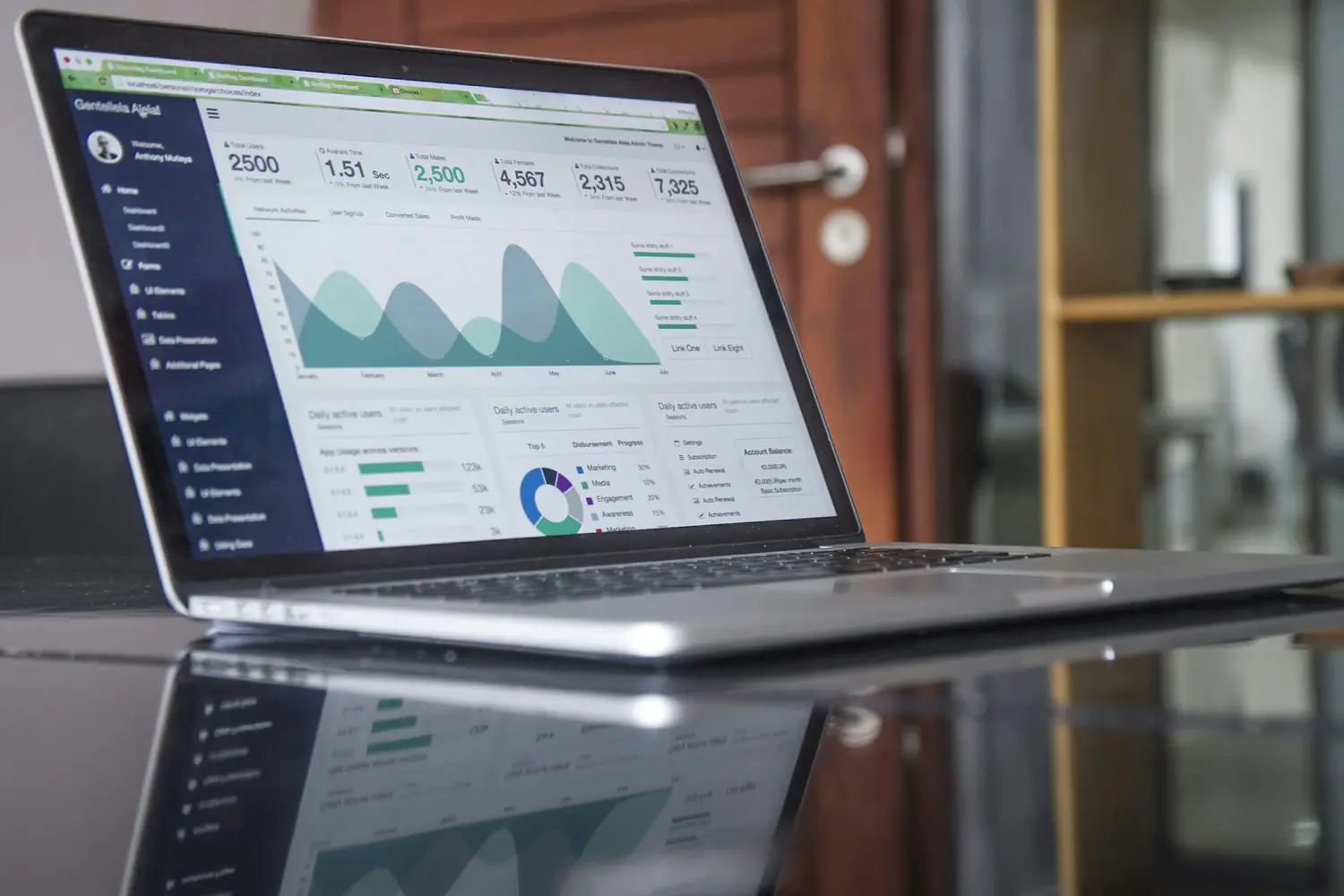
Month-to-date, prior month, and 3-month averages against a 6-month universe benchmark — per company and per location.
Item Data Comparison
Automatic auditing of ERP-vs-WMS item data sync, so the two systems can’t quietly drift apart.
FAQ
Analytics, in practice
How are reports delivered?
As scheduled Excel workbooks, delivered by email — no portal to remember to check. Each report runs on your live EDI and ERP data on the schedule you set.
What is the EDI Candidate Analysis?
A report no other provider offers: it analyzes your P21 data to identify customers and vendors who would benefit from EDI but aren’t on it yet — anyone with 40+ orders a month and 1,000+ orders total. It turns your own order history into an onboarding roadmap.
Can reports catch orders that never made it into our ERP?
Yes — the Order Status Report is a two-tab workbook: orders in P21 on one tab, and orders received via EDI that never imported on the other. The same gap Monitoratio alerts on in real time, visible as a scheduled report.
Can we benchmark our EDI performance?
The KPI Dashboard shows month-to-date, prior month, and 3-month averages — plus a 6-month universe benchmark, broken out per company and per location, so you can see each branch against the whole.
Stop exporting. Start receiving.
Tell us which questions your team answers by hand today — there’s probably a scheduled report for them.