
Built to run for years without intervention.
Comparatio runs as a lightweight Windows service inside your own network, watches its own health continuously, and recovers from crashes without losing work — engineered to keep running, deployment after deployment, release after release.
- ~100MB footprint
- Runs in your network
- Any ERP deployment
- ~100MB
- Windows service footprint, installed in your network
- 763
- continuous schema migrations since 2006
- 100M+
- EDI transactions processed through the platform to date
- Since 2006
- the same platform, evolved in place
The architecture
Engineered to run unattended
These aren’t features you have to turn on — they’re how the platform is built, for every deployment.
A lightweight footprint, inside your network
The platform runs as a single Windows service with roughly a 100MB footprint, installed close to your ERP in your own network — not routed through someone else’s cloud.
Built-in SFTP/SSH and HTTP servers
SFTP/SSH is built into the platform itself, with no third-party FTP software to patch or license. A built-in HTTP server exposes API endpoints directly.
Self-healing sub-processes
Every sub-process runs periodic health checks and sends a heartbeat signal. A query that stops making progress is detected as dead and killed automatically.
Crash-safe saved state
Saved-state management means a crash resumes from where it left off, not from the beginning — a restart is a delay, not a lost batch.
Super-parallel processing
Multi-threaded, super-parallel processing and multiple parallel import queues let throughput scale with your volume instead of waiting on a single thread.
Connection pooling & performance logging
Pooled database connections keep load predictable under volume, and performance logging shows how every run actually performed — not just whether it finished.
Console or Windows Service mode
Run interactively in Console mode for diagnostics, or as a standard Windows Service for production — the same engine either way.
Automated, compressed backups
Database backups run on a schedule and are stored compressed automatically, so recovery is a restore, not a rebuild.
763 schema migrations since 2006
Two decades of continuous, in-place schema evolution — the platform has never required a rip-and-replace upgrade to stay current.
Network Info Report
A master network diagram of your EDI environment — every connection, protocol, and trading-partner route in one document, so an architecture review starts from a real map rather than tribal knowledge.
Deployment
Runs wherever your ERP runs
Comparatio needs network access to your ERP database — where that database lives doesn’t change how the platform behaves.
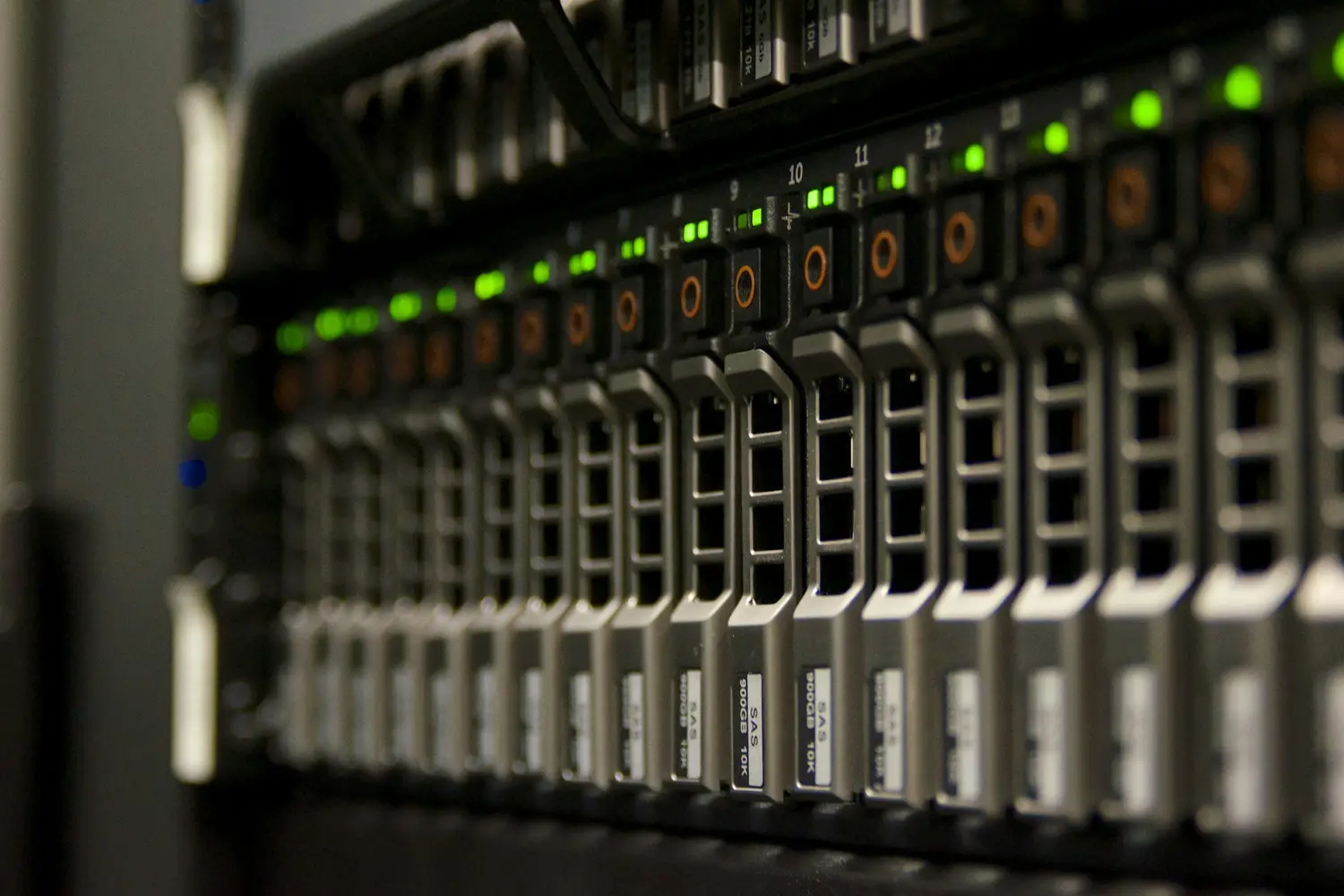
Hosted
Comparatio installs and runs the same way against a hosted ERP environment — no special-case configuration.
On-premises
The most common deployment: the service sits in your own network, close to an on-premises ERP database.
Cloud
An ERP running in the cloud connects the same way — the platform just needs network access to the database, wherever it’s hosted.
Co-located
Co-located environments run Comparatio exactly the same as any other deployment model — one platform, no exceptions.
FAQ
Architecture and reliability, in practice
How much does Comparatio ask of our servers?
Not much. The platform runs as a single Windows service with roughly a 100MB footprint, installed in your own network close to your ERP — not routed through someone else’s cloud. SFTP/SSH and HTTP servers are built in, so there’s no third-party FTP software to license or patch.
What happens if a query hangs or a sub-process stalls?
Every sub-process runs periodic health checks and sends a heartbeat signal. A query that’s stopped making progress is detected as dead and killed automatically, rather than quietly tying up resources until something else fails.
What happens if the service crashes mid-run?
Saved-state management means Comparatio resumes from where it left off instead of reprocessing everything from the start. A crash becomes a restart, not a lost batch.
How long has this architecture actually been proven?
Since 2006, through 763 continuous schema migrations — the platform evolves in place, release after release, without a rip-and-replace upgrade. It runs the same way against hosted, on-premises, cloud, or co-located ERP deployments.
See the platform your EDI would actually run on.
~100MB, in your network, self-healing by design — ask the engineers who built it how it holds up against your own volume.